

You’re two minutes into the client call. The numbers are ready, the slides are up, and then the pressure cooker in the next room lets out its third whistle.
Everyone hears it. You apologise, mute, unmute, and lose your thread.
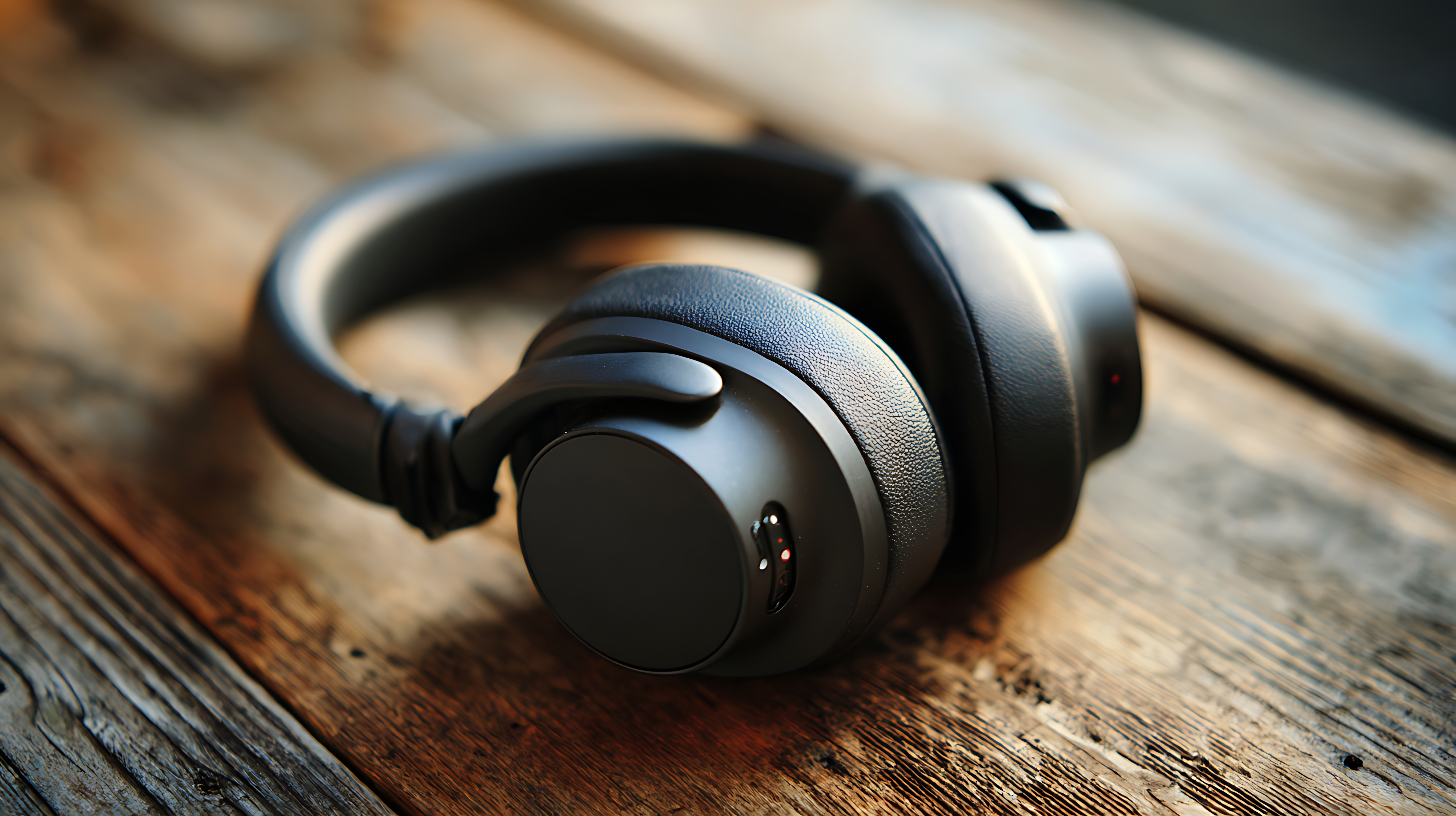
If that sounds like your Tuesday, a good pair of noise-cancelling headphones for work calls can make a big difference. This guide covers what actually matters, what the jargon means, and which pairs are worth considering at different budgets.
Why Noise-Cancelling Headphones Are a Two-Way Favour

Noise on a call hits twice.
The first problem is what you hear: traffic outside, open-plan chatter or a colleague’s loud Teams call two desks away. You strain to follow every sentence, and by 4 pm, you’re worn out.
The second is what everyone else hears from your end. Your ears may be sealed off, but if your mic picks up the mixer-grinder, your manager is listening to chutney being made.
So, the best headphones for work calls need to do two jobs. They should quieten your surroundings while helping keep your voice clear.
ANC, ENC or Just Thick Cushions: Who Gets the Quiet?
Three terms show up on almost every headphone box. Here’s what each one means in plain words.
ANC (active noise cancellation): Tiny microphones listen to the sounds around you, and the headphones generate an opposing signal to reduce them. It works especially well with steady sounds such as an AC, ceiling fan or traffic. This one is mainly for you.
ENC (environmental noise cancellation): This works on the microphone. It helps filter background noise picked up around your voice so the person on the other end can hear you more clearly. This one is mainly for them.
Passive noise isolation: Padded ear cups physically block some outside sound by creating a seal around your ears. No battery, no extra technology, just a good fit.
That’s the ENC vs ANC question in one line: ANC helps you hear, while ENC helps you be heard. For work calls, both can make a noticeable difference.
Five Things to Check Before You Pay

Spec sheets blur together when you’re scrolling through listings. These five checks decide how your calls actually sound and feel.
- Mic quality: A boom mic sits close to your mouth and can offer clearer voice pickup than many built-in microphones. If you’re choosing headphones with mic for calls, look for a good boom mic or effective ENC.
- Comfort: Back-to-back meetings call for soft cushions and a comfortable, lightweight frame. If your ears hurt by lunch, nothing else matters.
- Battery life: 30 hours or more means you can go days between charges instead of reaching for the cable every evening.
- Dual-device pairing: Stay connected to your laptop for Meet while keeping your phone connected for that call from the bank.
- Wired vs wireless: Wired headphones don’t need charging or Bluetooth pairing. Wireless headphones with a mic, meanwhile, let you pace around the room or fetch your chai mid-meeting.
Once you know which features you can’t compromise on, it’s easier to compare headphones by brand, features and price.
A Pair for Every Work Setup
Budget: Zebronics Thunder 200 (₹599)
Wireless, with ENC on the mic and up to 50 hours of playback. If you’re buying your first pair of headphones for work from home, the Zebronics Thunder 200 is a wallet-friendly place to start.
Mid-range: Goboult Mustang Q (₹2,499)
Wireless over-ear headphones with ENC to keep background noise out of your voice. The Goboult Mustang Q is sold as a gaming pair, and that works in your favour: gaming headphones are made for long sessions and clear voice chat, which is exactly what back-to-back meetings demand. It’s a sensible choice for hybrid workdays, when the same pair travels between your desk at home and the office floor.
Premium: JBL Tour One M3 (₹32,999)
JBL’s premium over-ear pair, with adaptive noise cancelling, a built-in mic and Google Fast Pair. Among ANC headphones, JBL Tour One M3 sits at the higher end of the price range and suits people who spend long hours on calls in a noisy office.
Wired with Boom Mic: Logitech H111 (₹299)
An on-ear wired headset with a noise-cancelling boom mic and a 3.5 mm jack. Plug it in and talk. No charging, no pairing. For the price, the Logitech H111 is a practical pick among headphones for Zoom meetings, or as a backup pair in your drawer.
Prices change often, so check the latest headphone deals on Bigbasket before you decide.
Small Habits, Clearer Calls

Even the best pair needs a little help. A few simple habits take care of the rest.
- Keep a boom mic about two fingers from the corner of your mouth rather than directly in front of it.
- Stay on mute when you aren’t speaking. It’s the cheapest noise cancellation there is.
- Shut the door and, if possible, the window facing the road.
- Record a ten-second test before a big call and listen back to how you sound.
- Keep a wired pair in the drawer for the day your battery dies at 9:58 am.
And when the doorbell rings with a delivery just as you start presenting, as it always does, mute first. Then get up.
Let the Cooker Whistle
You don’t need to spend a fortune to sound professional. Good noise-cancelling headphones for work calls come down to three things: a clear mic, a comfortable fit and a battery that lasts through your workweek.
Pick the pair that matches how and where you work, and the next whistle becomes someone else’s problem.
Explore the full audio devices range and have your pick delivered home
You may also like:
iPhone 18 Pro Variable Aperture: Best Settings for Every Shot
Choosing the rights noise cancelling headphones can make a big difference in call qualitym focus and prouctivity
I prefer choosing headphones covering my whole ears. They can prevent noise effectively.